UpTrajectory Review
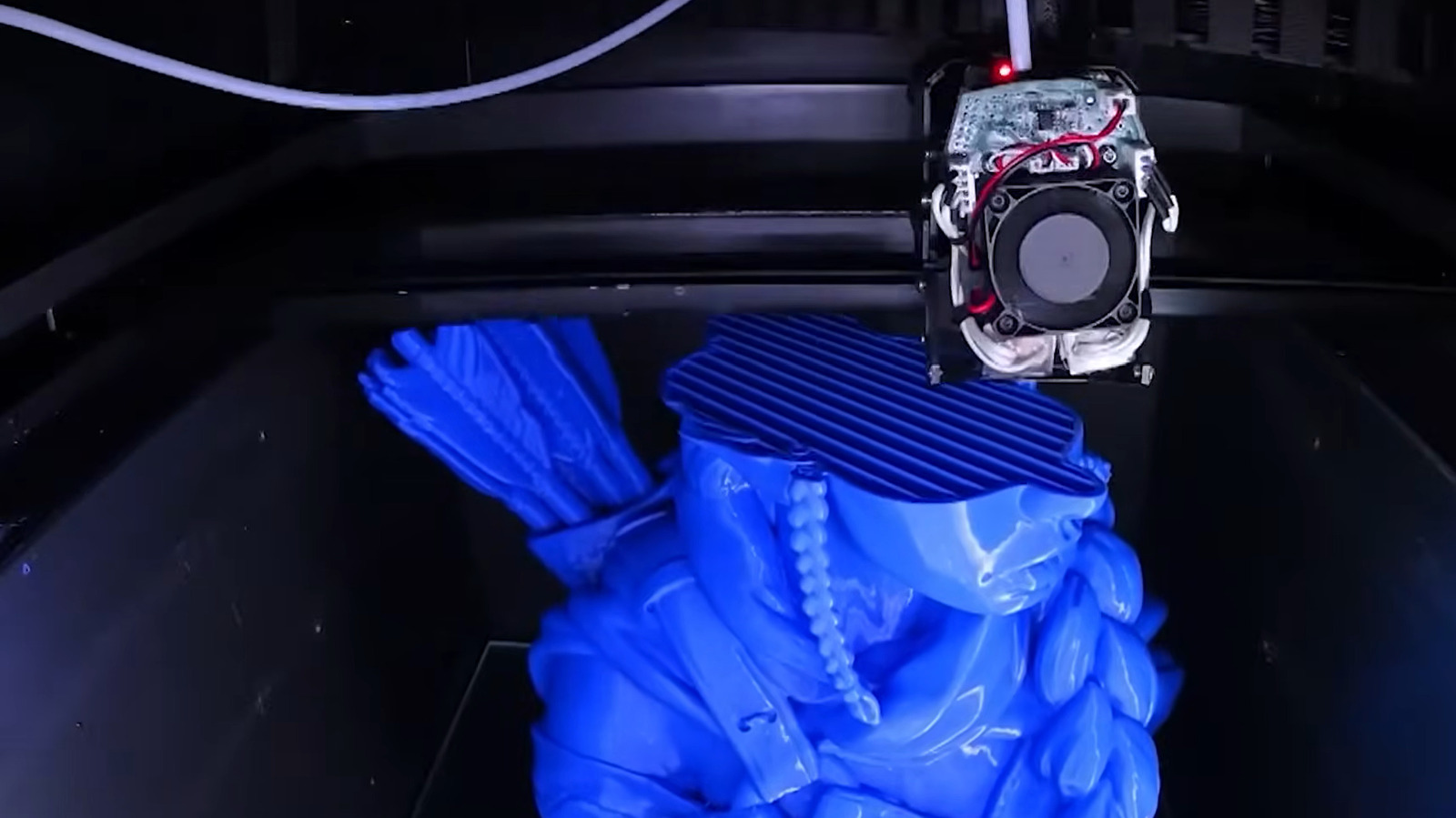
Engadget has published a primer on FDM — fused deposition modeling — the most common and cheapest form of 3D printing, framed explicitly at small business owners who are weighing whether the technology belongs in their operations. The available text is only a teaser, so the full piece almost certainly walks through how FDM works (a heated nozzle extruding thermoplastic filament layer by layer), how it compares to resin and powder-bed alternatives, and what materials and machines a first-time buyer should consider. That framing matters: FDM is the technology behind most desktop printers from Prusa, Bambu Lab, Creality and others, and it is the entry point nearly every small shop actually considers, because machines start in the low hundreds of dollars rather than the five figures typical of industrial systems.
For a small-business operator, the practical question is rarely 'which printing technology is coolest' but 'can I stop ordering this part, jig, bracket or prototype from a supplier and make it on my bench this afternoon.' FDM is usually the answer when the answer is yes. A machine shop can print a custom fixture overnight instead of waiting a week for machining; a bakery or candle maker can prototype packaging inserts; a repair shop can fabricate a discontinued plastic clip for a customer. The total cost of a capable FDM setup — printer, a spool or two of filament, and some learning time — is often less than a single month of outsourced prototyping, which is why the small-business framing in this piece is the right one rather than hobbyist cosplay.
What is genuinely useful in a good FDM explainer, and what we hope Engadget delivers beyond the basics, is honest talk about the trade-offs the marketing glosses over. FDM parts are anisotropic — they are strong in the plane of the layers and weak between them — so a printed bracket can snap along a layer line under load. Dimensional accuracy is typically around a tenth of a millimeter at best, fine for jigs but not for precision mating parts. And the real cost is not the printer but the operator's time: failed prints, bed adhesion fiddling, and slicer settings eat hours that a busy owner may not have. We are skeptical of any guide that presents FDM as plug-and-play; it is closer to owning a small CNC lathe than to owning a paper printer, and the learning curve is the hidden line item on the budget.
The downstream effects of cheap, capable FDM are easy to underestimate. It compresses prototyping cycles from weeks to hours, which changes how a small firm can compete against larger rivals with formal R&D departments. It also quietly shifts purchasing: instead of keeping spare parts inventory, a shop can hold a digital file and print on demand, which matters as supply chains for legacy components stay unreliable. The flip side is liability and quality control — a printed replacement part that fails in a customer's equipment is still your problem — and the temptation to print everything rather than buy a properly engineered component, which can cost more in machine time and failed prints than the $4 molded original.
Our advice to readers considering their first machine: buy a printer with a strong community and reliable auto-bed-leveling (Bambu Lab and Prusa currently lead here), budget for filament variety — PLA for prototypes, PETG for functional parts, ABS or ASA only if you can ventilate — and treat your first month as paid training. Watch whether Engadget's full piece addresses total cost of ownership, including failed-print waste and the time question, because that is where most small-business FDM experiments either justify themselves or get shelved. If the guide skips it, find a review that does not.
“FDM stands for fused deposition modeling, but what does that mean, and how does it differ from other 3D printing methods?” — Engadget
Takeaway: A sub-$500 FDM printer pays for itself in weeks if you regularly outsource prototypes or jigs — but budget real operator time as the true cost.
Excerpt from the original — Engadget
FDM stands for fused deposition modeling, but what does that mean, and how does it differ from other 3D printing methods? Let's find out.