UpTrajectory Review
Engadget's guide to laptop fan cleaning opens with a single, pointed instruction: deal with the vents first, before you even think about opening the machine. That framing matters more than it might seem. Most laptop owners treat fan noise or overheating as a signal to either ignore the problem or immediately hunt for a teardown video. The source text is minimal, but the headline and that opening line suggest a piece that walks through a proper sequence: external cleaning first, internal disassembly only if necessary, and presumably the right tools (compressed air, soft brushes, isopropyl alcohol) versus the wrong ones (household vacuums, moisture, brute force).
For a small-business operator, this is not a trivial consumer tip. If you or your team run laptops as primary workstations, a clogged fan is a slow-motion hardware failure that shows up as thermal throttling, unexpected shutdowns during client calls, or a machine that dies at 18 months instead of 36. Replacing a laptop that overheated itself to death costs real money. Spending fifteen minutes on preventive cleaning costs almost nothing. The calculus is straightforward, yet most operators never schedule it the way they schedule software updates or backups.
What is genuinely useful here is the emphasis on restraint. The default tech-media impulse is to walk readers through a full disassembly, which flatters the reader's ambition but often voids warranties or leads to stripped screws and broken ribbon cables. Starting with the vents acknowledges that a large share of cooling problems are dust accumulation on intake and exhaust grilles, not fan bearing failure. We agree with that hierarchy. Where we would push back is if the piece, as these guides sometimes do, glosses over how manufacturer-specific modern laptops have become: some have user-accessible fan bays, others require removing the entire bottom panel and battery disconnect, and a few (looking at you, certain ultrabooks) are effectively sealed.
The second-order effects cut in a few directions. If you manage a fleet of even three or four laptops, establishing a quarterly vent-cleaning habit extends usable life and delays capital expenditure. It also reduces the e-waste footprint, which matters if your business markets itself on sustainability. On the flip side, overconfident DIY cleaning can push dust deeper into heatsinks or dislodge thermal pads, making things worse. And if a machine is still under warranty, opening it up may forfeit coverage, which is a hidden cost that consumer guides sometimes underweight.
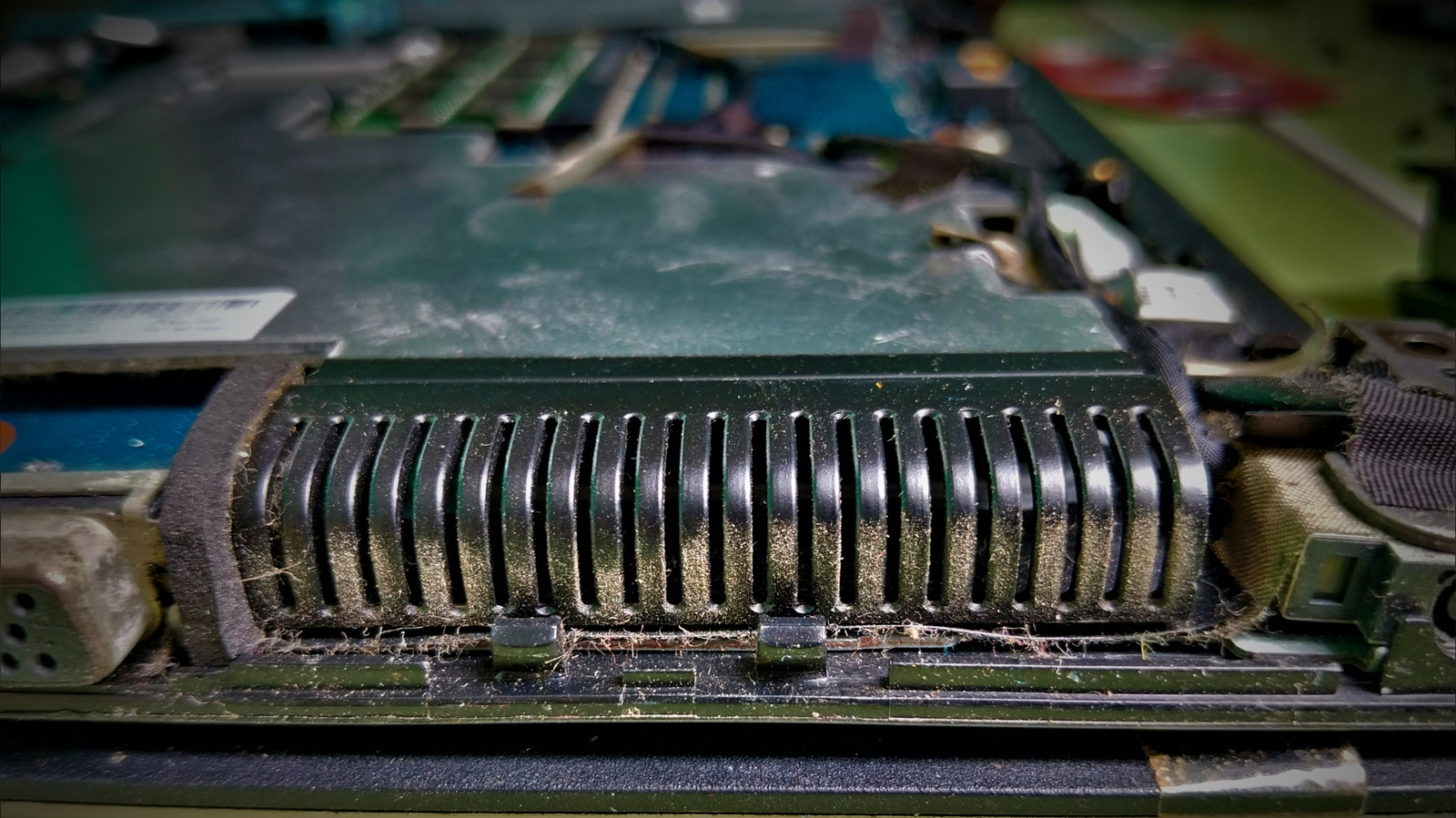
What to do next: pull out whatever laptop you are reading this on, flip it over, and look at the vent grilles. If you see a felt-like mat of dust, that is your answer. Use compressed air in short bursts, hold fan blades steady so they do not overspin, and clean the vents before you ever reach for a screwdriver. If the piece covers disassembly, follow it only if your warranty status and comfort level allow. Otherwise, a local repair shop will do a full internal cleaning for a fraction of a replacement cost. Watch for whether Engadget addresses warranty implications and manufacturer-specific access panels, because that is where generic advice either earns its keep or sends you astray.
“Start with the vents before you reach for a screwdriver.” — Engadget
Takeaway: Clean your laptop's vents quarterly with compressed air before considering any disassembly; it costs nothing and can add years of usable life.
Excerpt from the original — Engadget
Start with the vents before you reach for a screwdriver.