UpTrajectory Review
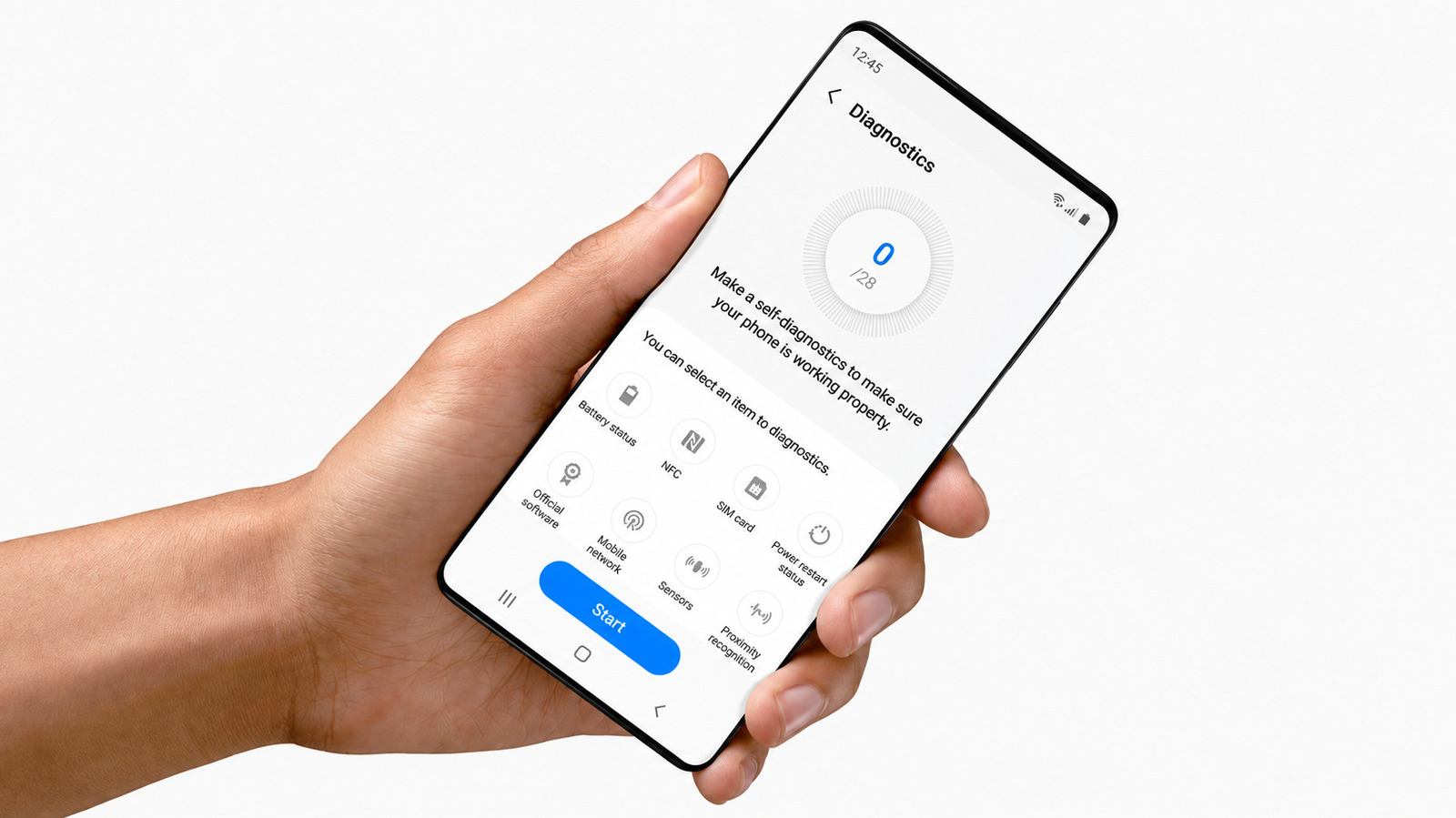
Engadget has published a straightforward guide for Samsung phone owners who want to run built-in hardware diagnostics without visiting a repair shop or downloading third-party apps. The piece explains how to access Samsung's hidden diagnostic menu, which tests components like the touchscreen, sensors, speakers, camera, and battery. For small business owners who rely on their phones for payments, client communication, and daily operations, this is a practical resource that could save both time and money when troubleshooting device issues.
This matters because phone malfunctions don't just inconvenience—they can halt business operations. A faulty touchscreen might prevent you from processing mobile payments; a failing speaker could disrupt client calls; battery issues might leave you unreachable during critical moments. Knowing how to diagnose these problems yourself means you can determine whether it's a software glitch you can fix, a hardware issue requiring professional repair, or a sign that replacement is more cost-effective. For small businesses operating on tight margins, avoiding unnecessary repair shop visits or premature device replacements directly impacts the bottom line.
What's genuinely useful here is that Samsung has embedded this diagnostic capability directly into its devices, yet most users don't know it exists. Unlike iPhone users who often need third-party apps or Apple Support assistance, Samsung owners can access comprehensive hardware testing through a simple code or menu sequence. This democratizes basic troubleshooting and puts diagnostic power in users' hands. However, the guide likely assumes a certain level of technical comfort—navigating hidden menus and interpreting test results isn't intuitive for everyone, and misreading a diagnostic could lead to unnecessary panic or false confidence.
The broader implication is how this fits into the right-to-repair movement and consumer empowerment. As devices become more integrated and repair costs climb, manufacturers face pressure to provide users with diagnostic tools and repair information. Samsung including these tests natively (though buried) represents a middle ground—offering diagnostic capability without fully opening repair processes to consumers. This approach benefits users with minor issues but doesn't address more complex repairs requiring specialized tools or parts. For business owners, it means you can identify problems but may still be locked into authorized repair channels for solutions.
If you're a Samsung user, bookmark this guide now—before you need it. When your phone starts acting up during a busy workday, you'll want immediate access to diagnostic steps rather than searching frantically while your business suffers. Run the tests periodically as preventive maintenance, especially before important client meetings or travel. If diagnostics reveal hardware failures, document the results before visiting repair shops to avoid unnecessary diagnostic fees. And consider whether your business continuity plan includes backup devices—because even with diagnostic knowledge, hardware failures happen at the worst possible moments.
Takeaway: Learn Samsung's built-in diagnostic codes now to quickly identify phone hardware issues yourself, saving repair costs and downtime when problems strike during business operations.
Excerpt from the original — Engadget
If your Samsung phone is acting strangely, you can test just about any element of the phone's hardware using this test.