UpTrajectory Review
Engadget's guide tackles a problem most small-business owners and home-office operators have faced: a drawer full of retired laptops and a smart-home setup that refuses to cooperate. The premise is simple — repurpose an old netbook as a centralized automation hub that bridges devices from different ecosystems. For anyone running a home office, a small retail space, or a service business with connected lighting, thermostats, or security cameras, this is a practical alternative to buying yet another dedicated gateway. The guide likely walks through software options, setup steps, and compatibility considerations, though the excerpt offers only the core concept.
The timing is notable. Smart-home fragmentation remains a genuine operational headache. A small-business operator might have Zigbee sensors from one vendor, Wi-Fi cameras from another, and a voice assistant from a third — none of which communicate natively. Commercial hubs exist, but they carry subscription fees, vendor lock-in, or both. An old laptop running open-source automation software sidesteps those costs. For a business watching every dollar, the math is compelling: zero hardware spend, full local control, and no monthly cloud dependency. That last point matters more than most guides acknowledge — cloud-dependent hubs stop working when the vendor sunsets a product or your internet drops.
What the excerpt hints at but doesn't address is the real friction point: technical overhead. Turning a netbook into a reliable hub requires comfort with software installation, network configuration, and ongoing maintenance. That's a genuine trade-off. A restaurant owner automating kitchen lighting doesn't necessarily have IT staff on hand. The guide presumably covers the setup process in detail, but readers should go in with realistic expectations. This isn't a plug-and-play solution — it's a weekend project that demands patience and a willingness to troubleshoot. The payoff is worth it for the right operator, but it's not universal.
There's also a security dimension worth flagging. An old laptop running outdated software, connected to your business network and controlling physical devices, is a potential attack surface. The guide likely touches on keeping the system updated, but operators should treat this hub like any other critical infrastructure: isolate it on a separate network segment if possible, enable automatic security patches, and avoid exposing it to the public internet without proper safeguards. The convenience of local control cuts both ways — you're responsible for your own security posture in a way that cloud vendors normally handle for you.
For operators ready to try this, the first step is auditing what you actually have: an old machine with working Wi-Fi, sufficient storage, and a power supply that won't die mid-automation. Then identify which protocols your devices use — Zigbee, Z-Wave, Wi-Fi, or Matter — since that determines whether you need additional USB dongles. Finally, research the automation platforms the guide covers and pick one with active community support. A dead project means dead devices. Watch for Matter and Thread adoption over the next year, since broader standards support could simplify this entire process — or render your DIY hub obsolete.
Takeaway: Repurposing an old laptop as a smart-home hub saves money and eliminates cloud dependency, but demands technical effort and strict security hygiene.
Excerpt from the original — Engadget
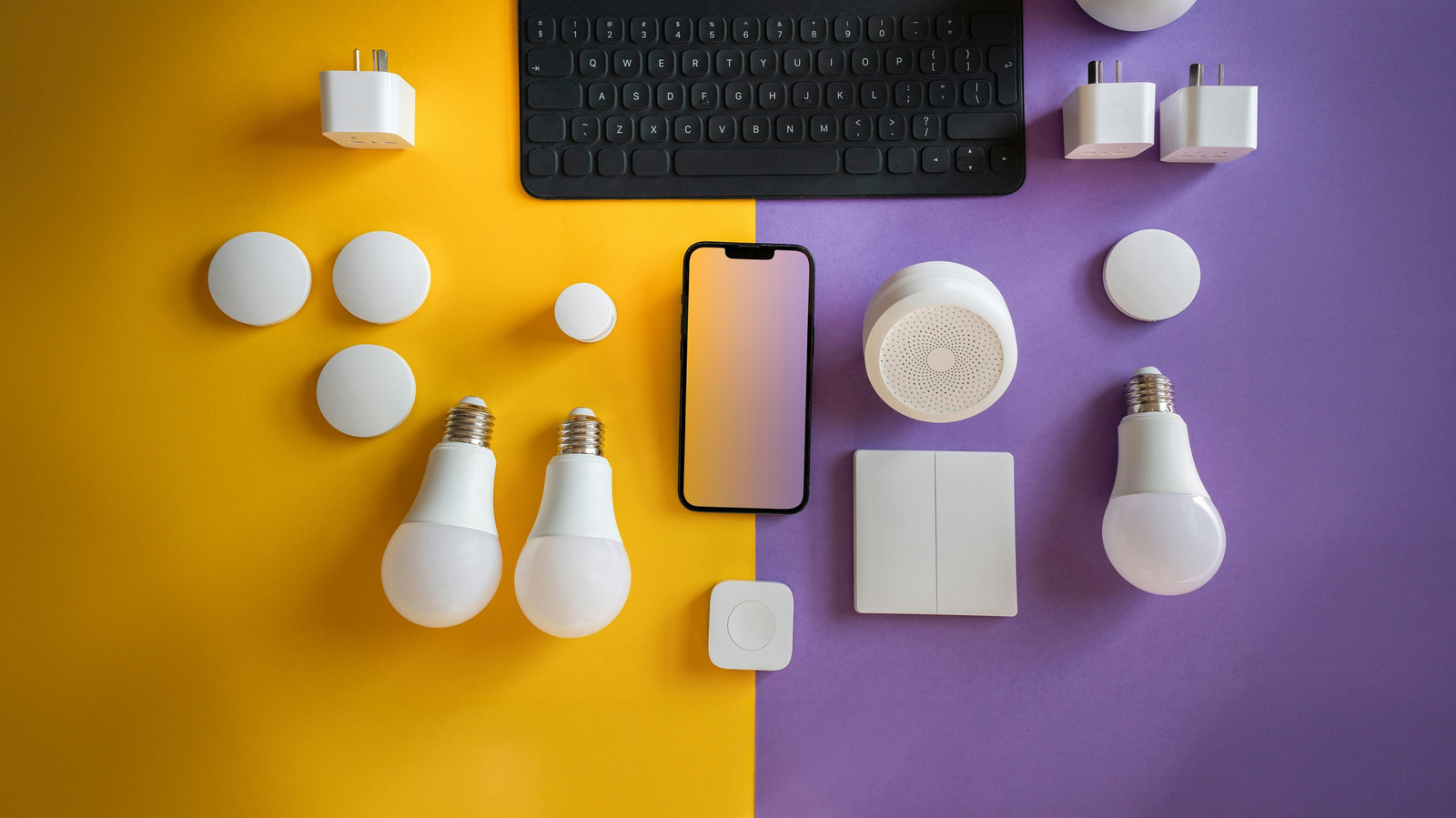
An old netbook can automate the devices that otherwise aren't interested in talking to one another.