UpTrajectory Review
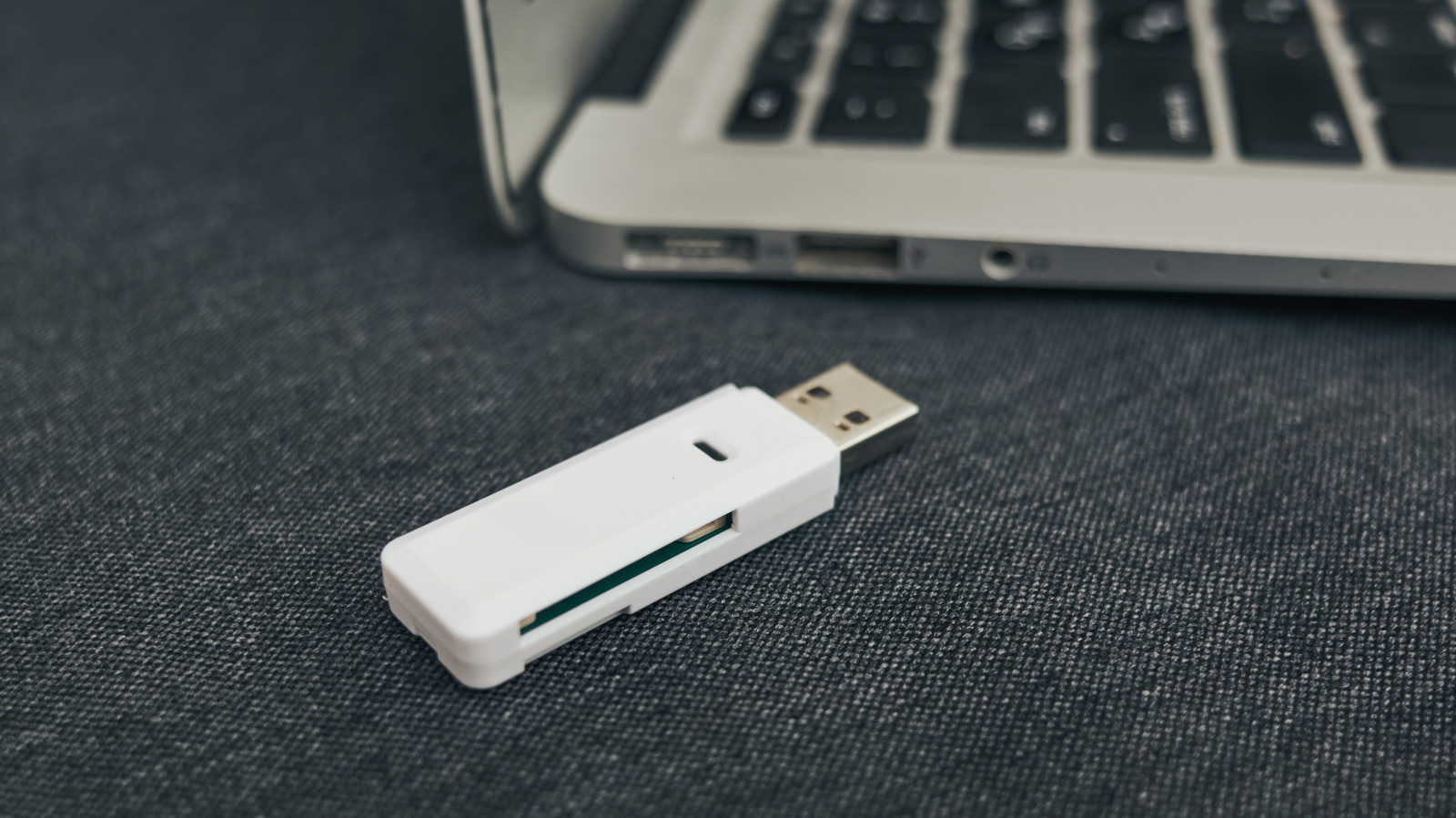
Engadget's piece is a consumer-tech warning dressed up as a simple habit fix: the thumb drive you copied your QuickBooks export or client contracts onto five years ago is a worse archive than you think. The article's premise is that flash drives are built for moving files between machines, not for keeping them safe over time — they degrade, they get lost, they fail without warning, and they sit in drawers where nobody remembers to check them. For a publication aimed at gadget buyers, this is a gentle nudge toward cloud backups and redundant storage. For you, running a business on a laptop and a prayer, it should read as an operational risk memo.
The reason this matters to a small operator is that your data footprint is small enough to feel manageable and valuable enough to sink you. You don't have an IT department running nightly backups to a server room; you have a USB stick with last year's tax records, a folder of vendor invoices, and maybe the only copy of a contract you signed in 2019. If that drive dies or walks away in a contractor's pocket, you are not calling a help desk — you are reconstructing payroll from bank statements at midnight. The portability that makes thumb drives convenient is exactly what makes them a liability: they leave your control, and they do it often.
What is genuinely useful here is the reframing of backup as a longevity problem, not just a theft problem. Most owners think about data loss as ransomware or a house fire; the article points to the quieter failure mode of flash memory simply wearing out or corrupting over years of disuse. That is under-reported in small-business advice, where 'back up your data' usually means 'turn on the cloud sync' without explaining why the shoebox of old drives in your desk is not a backup strategy. We agree with the core argument. Where we would push further: the piece likely underplays the cost of migration. Moving years of files off aging drives takes paid hours, and someone has to verify the copies actually open.
The second-order effect is a compliance and continuity issue, not just a convenience one. If you operate under a retention rule — tax records, medical-adjacent paperwork, construction liens — a dead thumb drive is not an excuse, it is a violation. There is also a client-trust angle: handing a customer a USB stick of their project files feels professional until the stick fails and you are explaining data loss to someone who paid you to be careful. Downstream, the shift away from physical media changes how you onboard staff and contractors; 'email me the files' or 'grab the drive' becomes 'here is the shared folder link,' which is faster but requires you to actually set permissions and pay for storage tiers that do not vanish when a free trial ends.
What to do next is unglamorous but finite. Inventory every thumb drive, external hard drive, and SD card in your office and car glovebox this week. Copy the contents to two places: a cloud service you pay for and a drive that stays plugged into your main machine, not in a drawer. Then label the old drives with a date and store them offline as a third copy, not your only copy. Watch for the next failure point: cloud subscriptions that lapse and auto-delete, or staff who keep local-only copies on laptops. The goal is not perfect security. It is making sure that when a drive dies — and one will — you notice because a backup pinged you, not because a file will not open.
“Transferring important files to a thumb drive is brilliant for portability, but not always great for longevity.” — Engadget
Takeaway: Audit every thumb drive holding business files this week and copy them to two separate locations before one fails silently.
Excerpt from the original — Engadget
Transferring important files to a thumb drive is brilliant for portability, but not always great for longevity. Here's why you should back them up elsewhere.