UpTrajectory Review
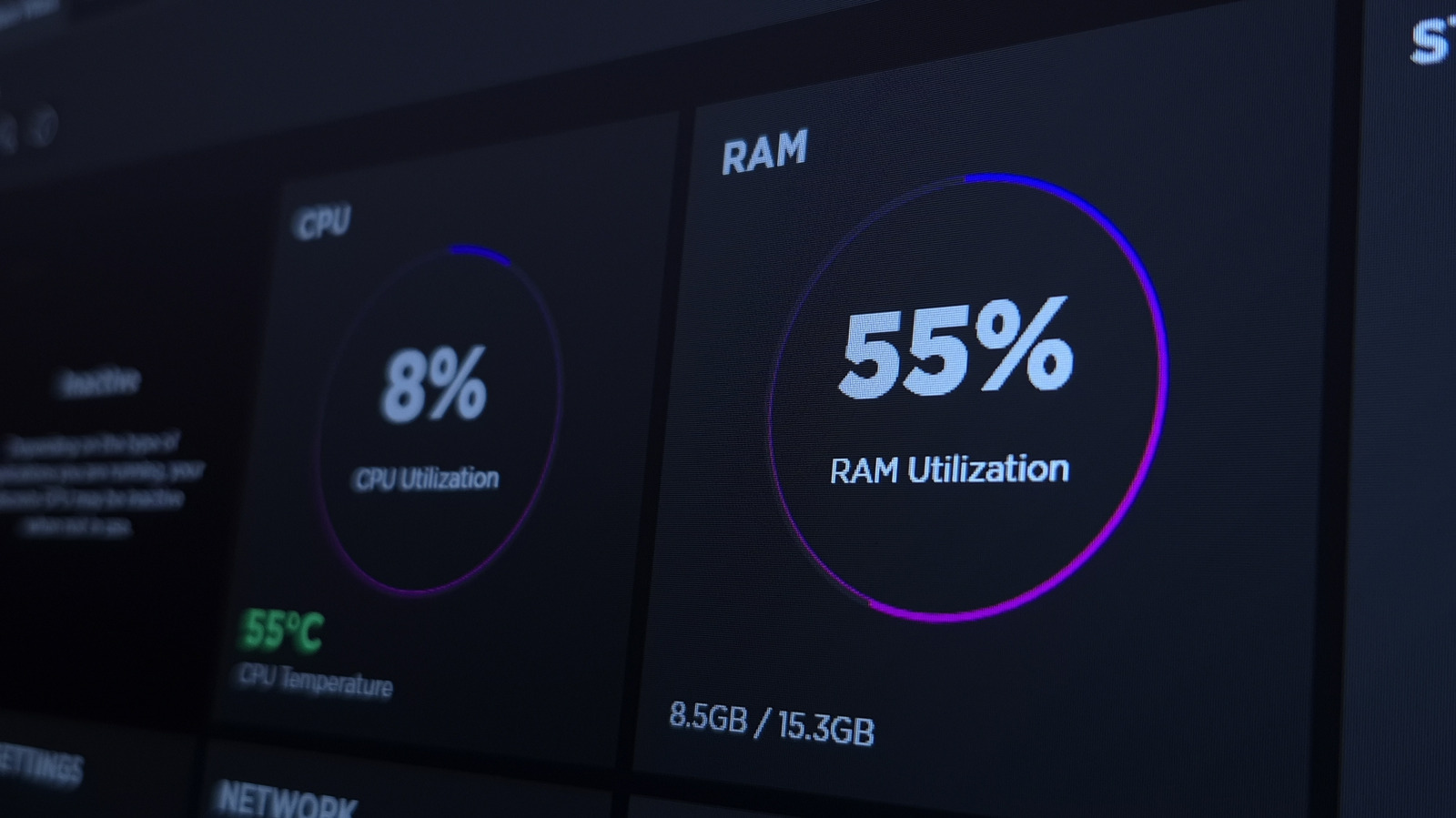
Engadget's piece tackles a question that has been nagging Windows 11 users since launch: why the operating system appears to hog memory even on machines with healthy specs. The short answer, as the item frames it, is that Windows 11 aggressively caches data in RAM to keep things feeling snappy, and that high usage numbers in Task Manager are often a feature, not a bug. The context readers need is that Microsoft shifted Windows toward a more proactive memory-management model, one that borrows from how modern Linux distributions and even macOS treat idle RAM as wasted RAM. The piece draws on Microsoft's own explanations to make the case that preloaded apps and services are supposed to release that memory instantly when something else needs it.
For a small-business operator, this matters in a very practical way. If you or your employees are staring at a Task Manager window showing 70 or 80 percent memory usage and assuming it is time to buy new machines or slap in more RAM, you might be spending money to solve a problem that does not exist. The real signal is not the percentage but the experience: stutters, slow app switching, or programs failing to launch. Understanding the difference between cached memory and genuinely exhausted memory can keep you from overbuying hardware, and it can also stop you from wasting billable hours chasing phantom performance problems that are actually normal operating behavior.
What is genuinely useful here is the framing that high RAM usage is only a problem when it is accompanied by poor performance. That is a more nuanced take than the usual alarmist coverage of Windows 11 bloat, and it aligns with how Microsoft has explained standby memory and SuperFetch-style caching for years. Where we are slightly skeptical is whether the piece adequately addresses the machines that really do struggle: older systems with 8 GB or less, where the caching strategy can tip into genuine swapping and slowdowns. The line between healthy caching and real memory pressure is thinner on budget hardware, and that is precisely the hardware many small businesses still run.
The second-order effect is on purchasing and upgrade decisions. If Windows 11's memory appetite is mostly benign, then the push to standardize on 16 GB as a baseline may be less urgent than hardware vendors suggest. That said, anyone running memory-hungry applications like video editors, large spreadsheets, or virtual machines will still hit walls, and the caching model does not excuse the OS's heavier baseline footprint compared to Windows 10 on identical hardware. There is also a support cost: employees who misread normal caching as a problem will file tickets, interrupt IT, and sometimes force unnecessary reboots that kill productivity.
What to watch next is whether Microsoft continues tuning its memory compression and caching algorithms in upcoming feature updates, and whether third-party utilities that promise to free up RAM keep misleading users into thinking they are helping. Our advice: stop watching the percentage and start watching the workflow. If your team is not complaining about lag, leave it alone. If they are, check whether the slowdowns happen when specific applications are open, because that points to a software problem, not an operating system flaw. And before you authorize any hardware upgrades, test with a clean boot to rule out the usual suspects.
Takeaway: Judge Windows 11 by slowdowns and stutters, not by Task Manager percentages, before spending on RAM upgrades.
Excerpt from the original — Engadget
Windows 11 might be using a lot of your RAM, which isn't a problem unless you experience poor performance. It helps your system run more smoothly.