UpTrajectory Review
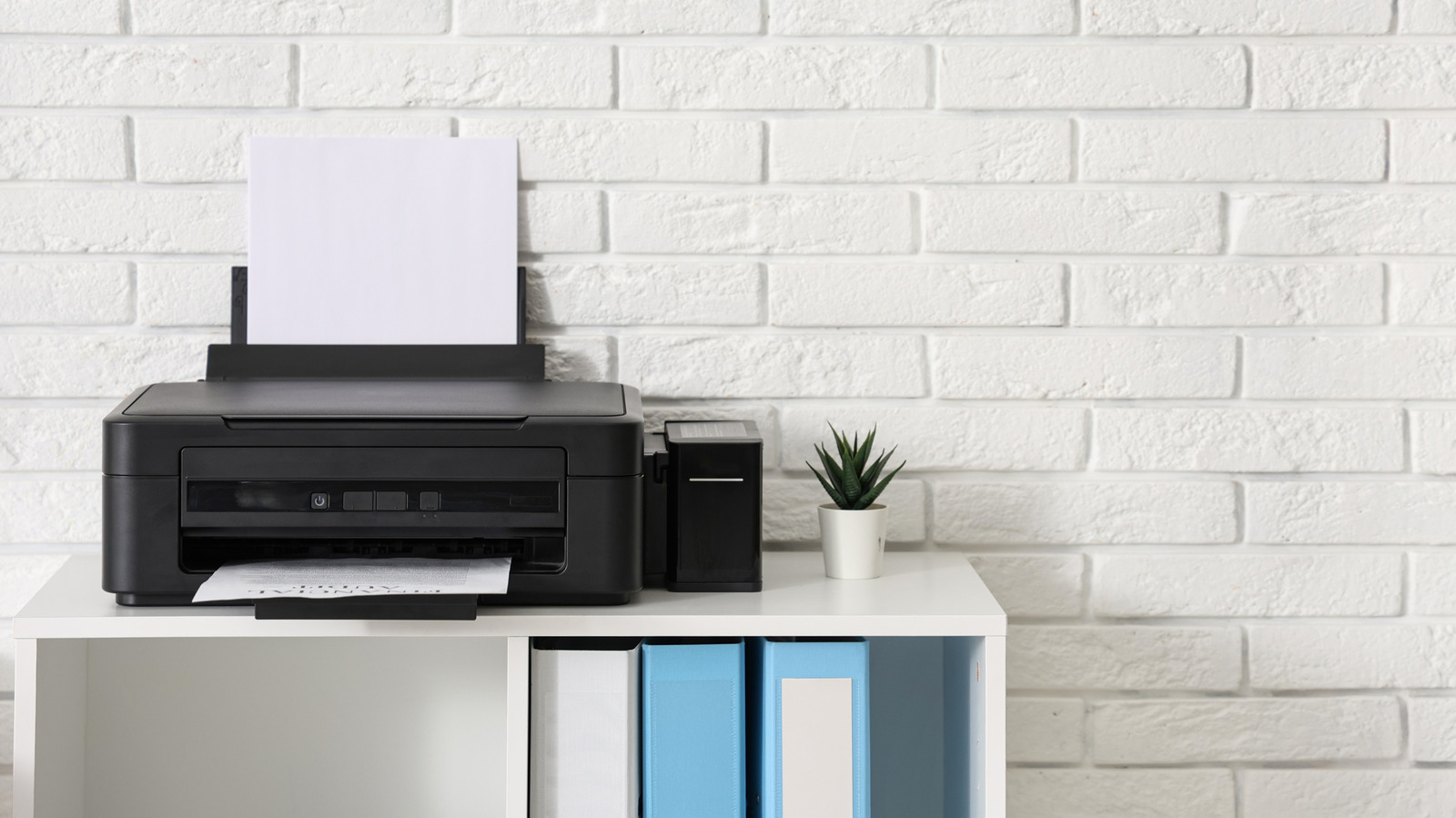
The piece explains a friction point most iPhone users hit eventually: you cannot plug an iPhone directly into a printer with a USB cable and print. Apple routes all iPhone printing through AirPrint, its wireless protocol, which requires the printer and the phone to be on the same Wi-Fi network. Third-party apps from printer manufacturers can fill some gaps, but the direct cable connection that works on nearly every desktop computer simply does not exist on iOS. For anyone running a shop, a restaurant, or a home office where printing receipts, invoices, or shipping labels is routine, this is not a minor inconvenience; it is a design decision that shapes what hardware you should buy and how your workspace gets set up.
For a small-business operator, the practical stakes are real. If you have an older printer without wireless capability, an iPhone will never print to it, no matter what adapter you buy. That means a surprise expense if you were counting on using existing equipment, or a workaround like emailing documents to a desktop that can print. It also matters for mobile workflows: a contractor who wants to print an estimate from a job site, or a retailer printing labels from a phone-based point-of-sale system, needs to know that AirPrint compatibility is a non-negotiable spec when purchasing a printer. Buying the wrong model because the box says 'iPhone compatible' without clarifying that this means wireless-only is a common and avoidable mistake.
What is genuinely under-reported here is the why. Apple has never officially detailed the reasoning, but the omission aligns with its broader pattern: iOS is a sealed system, and direct USB access to peripherals would require opening low-level hardware interfaces that Apple prefers to keep closed for security and simplicity. The result is a trade-off that favors ease of setup for the majority while quietly abandoning users with legacy hardware or no reliable Wi-Fi. We are skeptical of any framing that treats this as a temporary limitation; after more than a decade of AirPrint, cable printing on iPhone is clearly a deliberate exclusion, not an oversight waiting for a fix.
The downstream effects split the small-business audience in two. Operators with modern, AirPrint-enabled printers and stable Wi-Fi will find the wireless workflow genuinely convenient: no drivers, no cables, print from anywhere in the building. Those in older spaces, rural areas with spotty routers, or businesses relying on receipt printers and label makers that connect via USB are effectively locked out of iPhone-based printing entirely. That pushes some businesses toward Android devices or dedicated printing terminals, adding cost and complexity that a simple cable could have eliminated. It also creates an e-waste problem: perfectly functional wired printers get discarded not because they broke, but because the phone ecosystem moved on without them.
The actionable path forward is straightforward. If you are an iPhone-reliant operator, verify AirPrint support on any printer before purchase; do not assume USB compatibility implies anything. If you already own a non-wireless printer, a low-cost print server or a manufacturer app with proprietary wireless support can bridge the gap, though reliability varies. Keep an eye on whether Apple ever loosens its peripheral restrictions, but plan your operations around the current reality: on iPhone, printing is wireless or it is nothing.
“AirPrint is the easiest path to printing on iPhone; other apps enable this, but printing with a cable isn't supported.” — Engadget
Takeaway: Before buying any printer for iPhone-based business use, confirm it supports AirPrint, because direct USB cable printing is permanently unsupported.
Excerpt from the original — Engadget
AirPrint is the easiest path to printing on iPhone; other apps enable this, but printing with a cable isn't supported.