
UpTrajectory Review
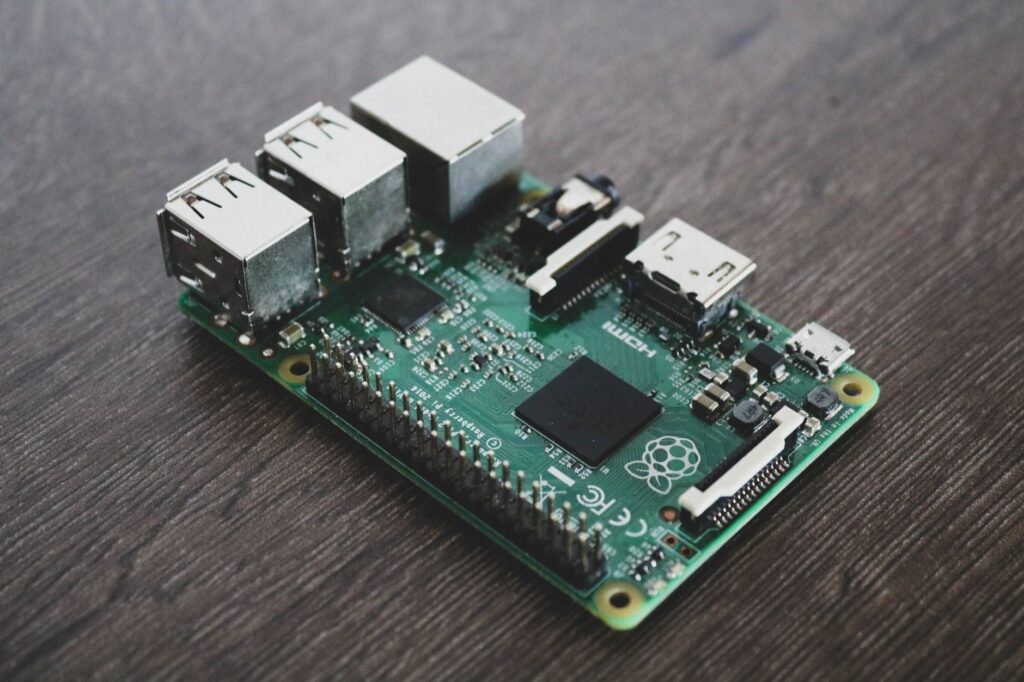
The Engadget piece points readers toward a free Raspberry Pi tool that grants remote access to a device without the usual chore of forwarding ports on a home or office router. Port forwarding has long been the gatekeeper of do-it-yourself remote access: open a hole in the firewall, map an external port to an internal machine, and hope you configured it correctly. This tool removes that step, which makes it worth a look for any operator who has wrestled with carrier-grade NAT, double-NAT setups, or a router interface designed to confuse.
For a small-business owner, the stakes sit higher than convenience. Many shops run a Pi as a print server, a camera recorder, a door-controller bridge, or a lightweight inventory terminal. Reaching that box from the road usually means either a VPN, a cloud relay subscription, or an exposed port that invites scans and brute-force attempts. A free tool that tunnels out through the firewall spares the monthly fee and shrinks the attack surface, provided the tunnel itself encrypts traffic and authenticates the far end. The source text gives only a headline and a single line, so the original article almost certainly names the tool and walks through the setup; we cannot confirm those details from the excerpt alone.
What is genuinely new here is not the technique but the packaging. Tunneling services have existed for years, yet most charge for persistent connections or cap bandwidth. A free, Pi-focused option lowers the barrier for owners who lack a network engineer on call. We remain skeptical of any remote-access scheme that trades router complexity for a third-party relay, though. If the service's servers mediate every connection, you now depend on that company's uptime, its security record, and its willingness to keep the free tier alive.
The second-order effects cut both ways. Owners who once paid for dynamic-DNS subscriptions or commercial remote-desktop plans could redirect that budget, while less-technical staff gain a path to reach equipment without calling a consultant. On the other side, easier access invites lazier habits: shared passwords, default credentials left on the Pi, or a tunnel left running on a machine that no longer needs it. Every convenience you add to a network becomes another path a miscreant can walk, so the tool demands the same discipline as any exposed service.
Watch whether the tool requires an account on the vendor's servers, what encryption it uses in transit, and whether it supports two-factor authentication or key-based login. Test it on a spare Pi before trusting it with anything production, and log who connects and when. If the relay goes dark or the free tier vanishes, know your fallback, whether that means a WireGuard server, a commercial remote-access plan, or a scheduled on-site visit. Remote access is a convenience, not a right, and the operator who treats it that way keeps both the budget and the network intact.
“Avoid forwarding ports by using this handy tool.” — Engadget
Takeaway: Test any free Pi remote-access tunnel on spare hardware, demand encryption and strong authentication, and keep a fallback plan before trusting it with production gear.
Excerpt from the original — Engadget
Avoid forwarding ports by using this handy tool.